GGUF Q4 vs Q5 vs Q8: which quant should you pick?
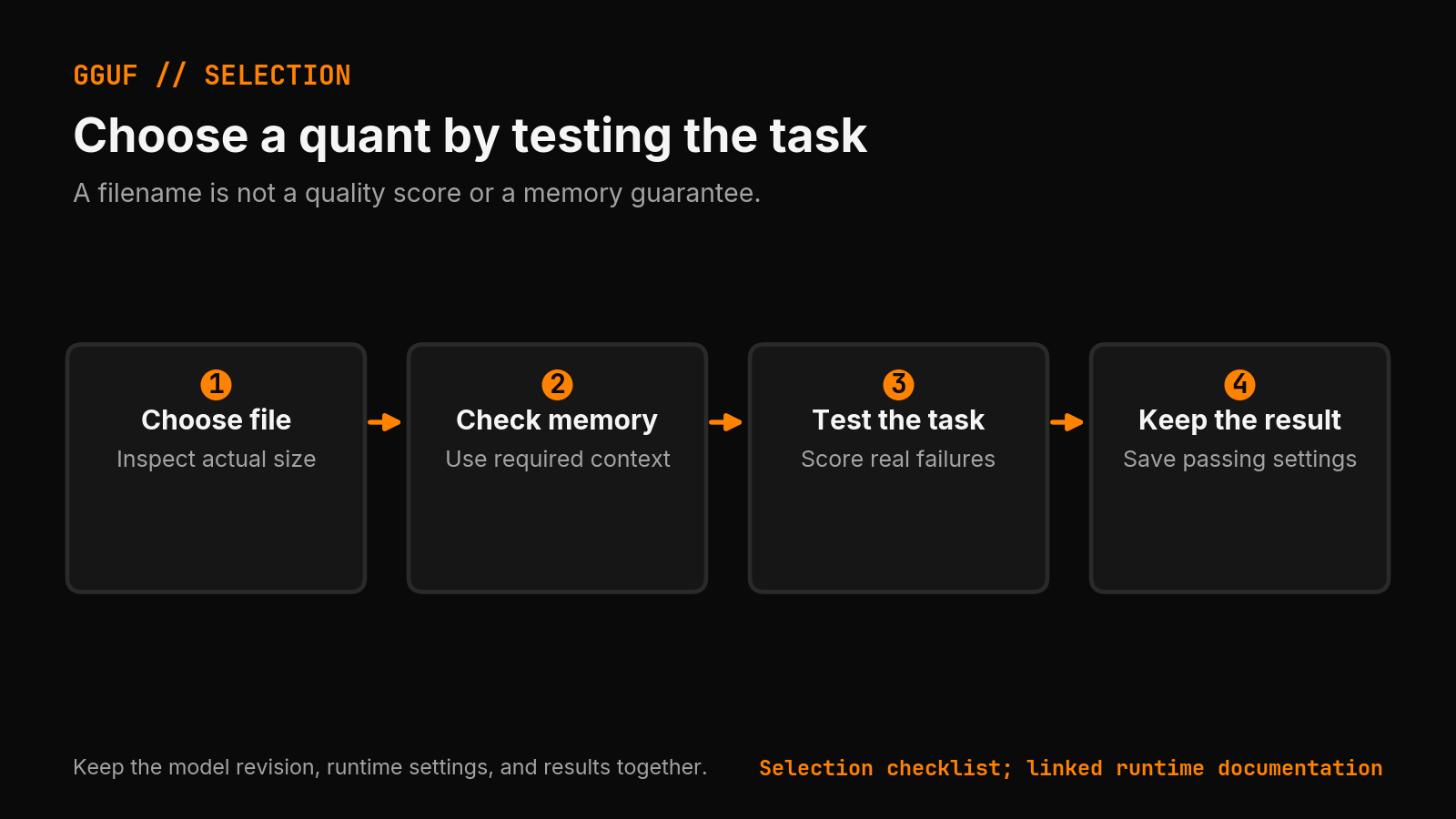
Start with a quant that leaves room for your required context, then compare its answers with a higher-precision version of the same model. The quant name alone cannot guarantee memory fit or task quality.
Four copy-ready local AI tools, free
The Local AI Field Kit: a model-fit worksheet, a benchmark card, a failure checklist, and a decision sheet. Then one evidence-backed Local AI Lab Note on Friday when there is something worth sharing.
Get the requested artifact now, then at most one evidence-backed Local AI Lab Note on Friday when there is something worth sharing. One-click unsubscribe. No sponsored placements. Privacy.
Compare GGUF quants by actual file size, runtime memory, and task results. Pick a candidate, test your context, and keep the version that passes.
TL;DR
- Compare quants on the same model and task. There is no universal percentage of baseline quality for Q4_K_M, Q5_K_M, or Q8_0.
- Check the actual file size and runtime memory at your required context. GPU capacity alone does not determine which quant will fit.
- Record correctness, elapsed time, and peak memory together. Keep the configuration that passes your acceptance checks.
Related guides
I start with Q4_K_M when memory is tight, then test Q5_K_M or Q8_0 against the same task if they fit. I keep the smallest candidate that passes my checks. A quant name cannot tell me whether a model will extract a ticket correctly or fix a bug.
Correction, September 5, 2026: This guide previously gave quality percentages and hardware speeds without measurement records. I removed those figures. The example below is a test design, not a reported benchmark.
What do Q4_K_M, Q5_K_M, and Q8_0 mean?
They name ways to encode model weights. GGUF holds those weights and metadata. The Hugging Face GGUF viewer lets you inspect a file's tensor types before downloading it.
A Q4_K_M filename does not mean every tensor uses exactly four bits. llama.cpp supports mixed quantization and per-tensor choices. Its quantizer documentation lists the supported formats and options.
Keep the model repository and revision fixed. Changing the base model while changing the quant leaves you unable to tell which change affected the answer.
| Candidate | When I would try it | Check before keeping it |
|---|---|---|
| Q4_K_M | Larger files exceed the memory budget | Required tasks pass at the longest expected input |
| Q5_K_M | There is room to compare with Q4_K_M | It fixes a failure or meets the same checks within budget |
| Q6_K or Q8_0 | A smaller quant fails a required task | The larger candidate actually resolves that failure |
| IQ4_XS | The model offers this alternative | Inspect its model card and test it against the K-quants |
A worked example: extracting a support ticket
Suppose I want a local model to turn support messages into JSON. Here is one hypothetical test case, small enough to check by hand:
Ticket T-17. Priority: high. The customer cannot log in.
I ask for only the ticket ID and priority. The expected result is:
{"ticket_id":"T-17","priority":"high"}
My checks are concrete: the output parses as JSON, has exactly those two keys, and preserves both values. A valid JSON object with the wrong ticket ID fails. An explanation around the JSON also fails if my consumer expects raw JSON.
I run that same case against Q4_K_M and Q5_K_M from the same model revision, with identical prompts and settings. Then I add real, anonymized examples from the workload: a missing priority, several ticket IDs, and a long message. I define how missing fields should be represented before running the comparison.
If Q4_K_M passes every required case and Q5_K_M adds nothing useful, I keep Q4_K_M. If Q4_K_M changes a ticket ID and Q5_K_M preserves it, I have a specific reason to test Q5_K_M further. These are decision rules, not claimed results. Passing this small extraction set says nothing about coding ability or general intelligence.
Will the file fit in VRAM?
File size is only the starting point. The run also needs memory for context state, runtime buffers, and other processes. The GGUF specification describes the file format; it does not guarantee the memory needed by an inference run.
For the ticket example, I test the longest message I intend to accept. I record the context setting, peak memory, elapsed time, and whether each check passed. A short successful prompt does not prove that the long input fits.
Use the sizing desk to narrow candidates. Then verify them on your machine. The GPU layers guide covers offload settings. The tensor-split guide covers multiple GPUs.
What should I save with the result?
Keep the model revision, exact filename, runtime version, context setting, prompts, expected answers, and observed failures together. Record timing separately from correctness. Do not infer throughput from the quant name.
If I create the quant myself, I also save the conversion command. An importance matrix uses calibration data to inform quantization; record that data choice too. Start from the source weights. llama.cpp warns that requantizing already-quantized tensors can reduce quality.
Does an 8 GB GPU always mean Q4_K_M?
No. Model size, the actual file, context, and runtime settings all affect the choice. Give the sizing desk those inputs, then test the candidate. A GPU capacity or an unexplained quality percentage is not enough to select a file.
Accompanying prompt
What the prompt does: Builds a quant comparison plan from actual model files and explicit acceptance checks.
Copy/paste this prompt:
Copy-ready prompt
Paste the exact block into your coding agent.
No article chrome, no footnotes, no formatting drift.
This prompt and every other one we publish live in the free prompt library.
Copy the block above.
For dated local-AI run notes, join the 5090 Reports list.
FAQ
Should I use Q4, Q5, or Q8 GGUF?
Treat Q4, Q5, and Q8 as candidates to test on the same model and task. Check actual file size, leave room for runtime memory and context, and keep the candidate that passes your acceptance checks.
Why can a smaller GGUF quant run better?
A smaller file can leave more memory for context or GPU offload. Measure elapsed time and correctness on your own configuration instead of inferring speed from the quant name.
Get the Local AI Field Kit
Four copy-ready tools now, then one evidence-backed Local AI Lab Note on Friday when there is something worth sharing.
Try the free agent run check firstGet the requested artifact now, then at most one evidence-backed Local AI Lab Note on Friday when there is something worth sharing. One-click unsubscribe. No sponsored placements. Privacy.
Patrick Hughes
I build BMD and publish measured AI runs, failure reports, and reusable checks. Nashville, Tennessee.
More writing
- 4 min
One Agent Skill, Three Registries: PyPI, Claude, and skills.sh
Agent skills are becoming a distribution layer for developer tools. The practical move is one source package that can show up in PyPI, Claude-style skills, and skills.sh.
- 5 min
Will That Local Model Fit? Do the VRAM Math First
A local LLM needs about half a gigabyte of VRAM per billion parameters at Q4, then KV cache and context stack on top. Here is how to know a model fits before you download 40 GB.
- 5 min
49W Average Hid a 338W Burst on Gemma 26B
Gemma 4 26B Q4_K_M averaged 49 W on a long RTX 5090 run and peaked at 338 W. Keep both watt numbers before you compute energy per token.
- 5 min
Q4km vs Q5km: Q4_K_M vs Q5_K_M
q4km vs q5km is Q4_K_M vs Q5_K_M in GGUF. Pick by VRAM headroom, quality risk, and CPU fallback. Use the free quant tool before download.
- 7 min
llama.cpp --tensor-split Documentation: 70B Across 2 GPUs
The multi-GPU reference for llama.cpp: --tensor-split ratios, --split-mode layer vs row, --main-gpu, VRAM math, and a real two-card rig running a 70B.