What Does --cache-type-k Do in llama.cpp?
Learn what --cache-type-k does in llama.cpp, how q8_0 cuts memory in half at 32K context, and how to configure key cache types for your GPU setup.
The --cache-type-k flag sets the numeric data type for the key half of the KV cache in llama.cpp, defaulting to f16 and storing keys in about half the memory when set to q8_0.
Running local models at long context windows demands substantial memory. Model weights take up fixed space on your GPU, while the KV cache expands as context grows. When a long session pushes past physical VRAM limits, changing how keys and values sit in memory keeps the workload on hardware.
What does --cache-type-k do in llama.cpp?
According to the official llama.cpp server README, the short form is -ctk. The document defines its function as "KV cache data type for K". By default, the server initializes this cache as f16. Keys store positional representations needed to compute attention across every layer.
When you run large context windows, storing unquantized 16-bit keys across dozens of transformer layers consumes gigabytes before text generation starts. You can calculate how this memory sits alongside offloaded layers in our llama.cpp n-gpu-layers guide and test your configuration in our VRAM calculator.
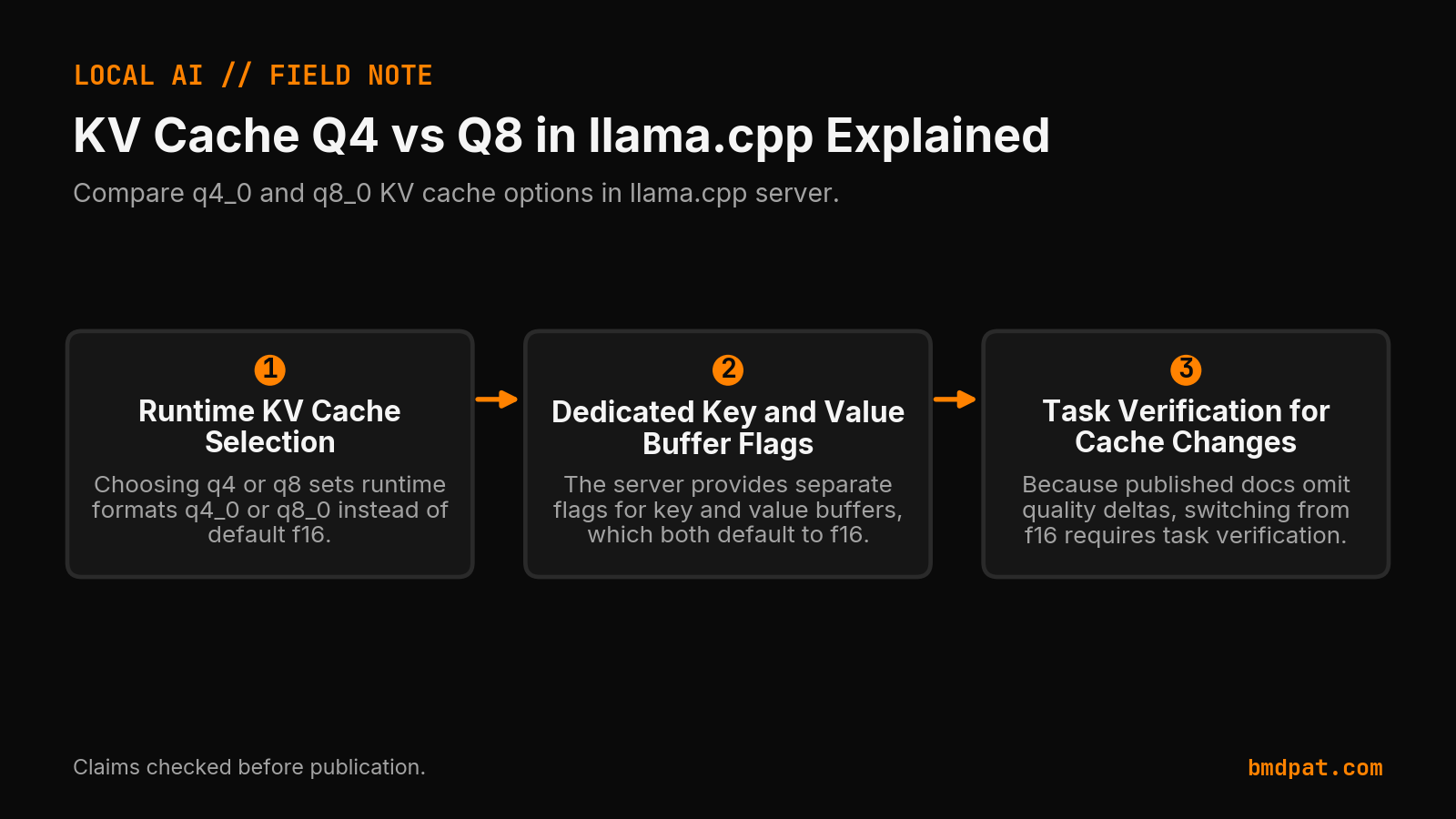 Open full-size image (opens in new tab)
What values can you set for key cache types?
You can set --cache-type-k to f32, f16, bf16, q8_0, q4_0, q4_1, iq4_nl, q5_0, or q5_1. The default value is f16 to keep full numerical precision. The q8_0 option serves as the primary quantized choice, cutting key cache memory usage in half during long context generation.
The llama.cpp server README documents nine allowed types: f32, f16, bf16, q8_0, q4_0, q4_1, iq4_nl, q5_0, and q5_1. The value half of the context uses -ctv or --cache-type-v and accepts the identical list with the same f16 default.
For short interactions around 4,000 to 8,000 tokens, the cache footprint remains small enough that changing this flag yields little benefit. When you scale to 32,000 tokens or higher, switching the key type to q8_0 cuts key cache allocation to about half of baseline. The server README omits any requirement linking quantized keys to flash attention.
How much VRAM does cache quantization save?
Quantizing the KV cache with q8_0 reduces key memory usage to about half of the f16 baseline, while q4_0 reduces it to about one quarter. For a 32B model at 32K context, key and value memory drops from 8.6 GB down to 4.3 GB or 2.1 GB.
In an independent guide from llmhardware.io, measurements on Qwen3-32B (64 layers, 8 KV heads) at a 32K context window show specific memory requirements:
| Cache Type Setting | Cache Size (32K Context) | Memory Usage Relative to f16 |
|---|---|---|
f16 (Default) | 8.6 GB | Baseline |
q8_0 | 4.3 GB | About 1/2 |
q4_0 | 2.1 GB | About 1/4 |
The llmhardware.io guide reports that q8_0 usually shows no noticeable quality impact. In contrast, q4_0 introduces a small-to-medium loss that becomes more noticeable at long context. That guide attributes the observation to Ollama and omits a formal benchmark.
Both sources omit formal perplexity scores, so quality observations remain qualitative. Cache quantization also requires that base model weights fit on the card first. When model weights exceed card capacity, cache compression fails to resolve the bottleneck. Review our guide on local LLM inference on consumer GPUs to plan your offloading strategy.
When should you pair it with --cache-type-v?
Pair --cache-type-k with --cache-type-v whenever context memory exceeds your physical VRAM budget. Using q8_0 across both flags reduces memory for keys and values symmetrically. This paired reduction frees several gigabytes of VRAM while keeping text quality stable during generation.
The llmhardware.io guide states that Flash Attention is enabled with -fa when quantizing the V cache. The official llama.cpp server README describes -fa separately, listing its default as auto without specifying a link to cache quantization. You can launch both flags together with flash attention in your server command:
llama-server -m model.gguf -c 32768 -fa on -ctk q8_0 -ctv q8_0
This single command halves both key and value footprints for 32K context runs.
What happens if your CUDA build omits flash attention flags?
A CUDA build missing specific attention flags silently drops quantized cache processing back to CPU execution. When this fallback happens, prompt evaluation slows down sharply because the graphics card halts hardware acceleration for the quantized attention calculations.
A real case was documented in llama.cpp issue 24485. A user tested a build lacking -DGGML_CUDA_FA_ALL_QUANTS=ON with --flash-attn on --cache-type-k q8_0 --cache-type-v q4_0. The server dropped to CPU attention silently, printing zero terminal warnings.
After recompiling with -DGGML_CUDA_FA_ALL_QUANTS=ON, the reporter measured prompt prefill jump from "96 -> 2,361 tok/s" on an RTX 5070 Ti Laptop GPU (12 GB) running Gemma 4 12B QAT. Maintainers closed the issue as stale with zero replies, and the reporter omitted a complete benchmark methodology. Even so, the test demonstrates that mismatched build flags can degrade prompt evaluation.
What should you do with this?
To apply --cache-type-k, calculate your available VRAM headroom, assign matching q8_0 cache flags for long context sessions, and verify your build flags. These practical steps keep your KV cache on the GPU while maintaining fast prompt evaluation.
- Check your VRAM headroom. If base weights leave under 9 GB free and you target 32K context on a 32B model, assign
--cache-type-k q8_0and--cache-type-v q8_0. - Launch
llama-serverwith explicit flags-fa on -ctk q8_0 -ctv q8_0to compress both keys and values. - Observe prompt prefill speeds on long inputs. If prompt processing drops to two digits, rebuild llama.cpp using
-DGGML_CUDA_FA_ALL_QUANTS=ON.
Accompanying prompt
What the prompt does: Generates an exact llama-server launch command based on model parameters, context target, and available GPU memory.
Copy/paste this prompt:
Copy-ready prompt
Paste the exact block into your coding agent.
No article chrome, no footnotes, no formatting drift.
This prompt and every other one we publish live in the free prompt library.
Copy the block above.
Weekly measured local runs: https://bmdpat.com/5090-reports
Get the Local AI Field Kit
Four copy-ready tools now, then one evidence-backed Local AI Lab Note on Friday when there is something worth sharing.
Try the free agent run check firstGet the requested artifact now, then at most one evidence-backed Local AI Lab Note on Friday when there is something worth sharing. One-click unsubscribe. No sponsored placements. Privacy.
Written by
Patrick Hughes
I build BMD and publish measured AI runs, failure reports, and reusable checks. Nashville, Tennessee.
More writing
- 6 min
MCP server risk score: there is no standard
There is no official MCP server risk score. The spec lists attacks, not a grade. One draft method uses five weights and a 0 to 100 score.
- 5 min
Why Your Local Model Fits and Still Fails at Long Context
A local model can load and still run out of memory at longer context. Compare two controlled loads, inspect cache logs, and test the real workload.
- 5 min
Will That Local Model Fit? Do the VRAM Math First
A local LLM needs about half a gigabyte of VRAM per billion parameters at Q4, then KV cache and context stack on top. Here is how to know a model fits before you download 40 GB.
- 7 min
llama.cpp Multi-GPU Guide: --tensor-split & --split-mode (2026)
Running a 70B across 2 GPUs and hitting OOM? The llama.cpp multi-GPU reference: --tensor-split ratios, --split-mode layer vs row, --main-gpu, and the VRAM math from a real two-card rig.
- 6 min
Q4_K_M vs Q5_K_M vs Q8_0 vs IQ4_XS: GGUF Quants Explained (2026)
Which GGUF file do you download? Start with Q4_K_M when VRAM is tight, test Q5_K_M or Q8_0 on your real task, keep the smallest that passes. What each quant means, IQ4_XS vs K-quants, a test to copy.