Chunk Size Is a Reliability Setting
Three native crashes destroyed seven hours of compute on a fully offline OCR run. The fix was not more parallelism. It was a smaller unit of work.
TL;DR
- On 2026-08-04 a fully offline document pipeline ran over 5,000 scanned PDFs. One container per slice, four vCPU each, no network, read-only filesystem, no GPU. Chunk size was set to 1,000, the maximum.
- Over four hours, three worker processes died with native faults: exit -5 and exit -11. They died at roughly 50 percent, 50 percent, and 72 percent of their chunks. About seven hours of compute were lost.
- At 1,000 cases per unit a fault costs about 500 cases. At 250, the same fault costs about 125. An OOM killer also stopped a healthy run after 33 minutes when containers were sized against the host instead of the container ceiling.
A crash destroys the entire unit of work in flight. All of it. So the size of that unit decides what a crash costs you. Throughput is the thing you were thinking about. Blast radius is the thing that actually bites.
I learned this during a run on 2026-08-04.
 Open full-size image (opens in new tab)
What happened
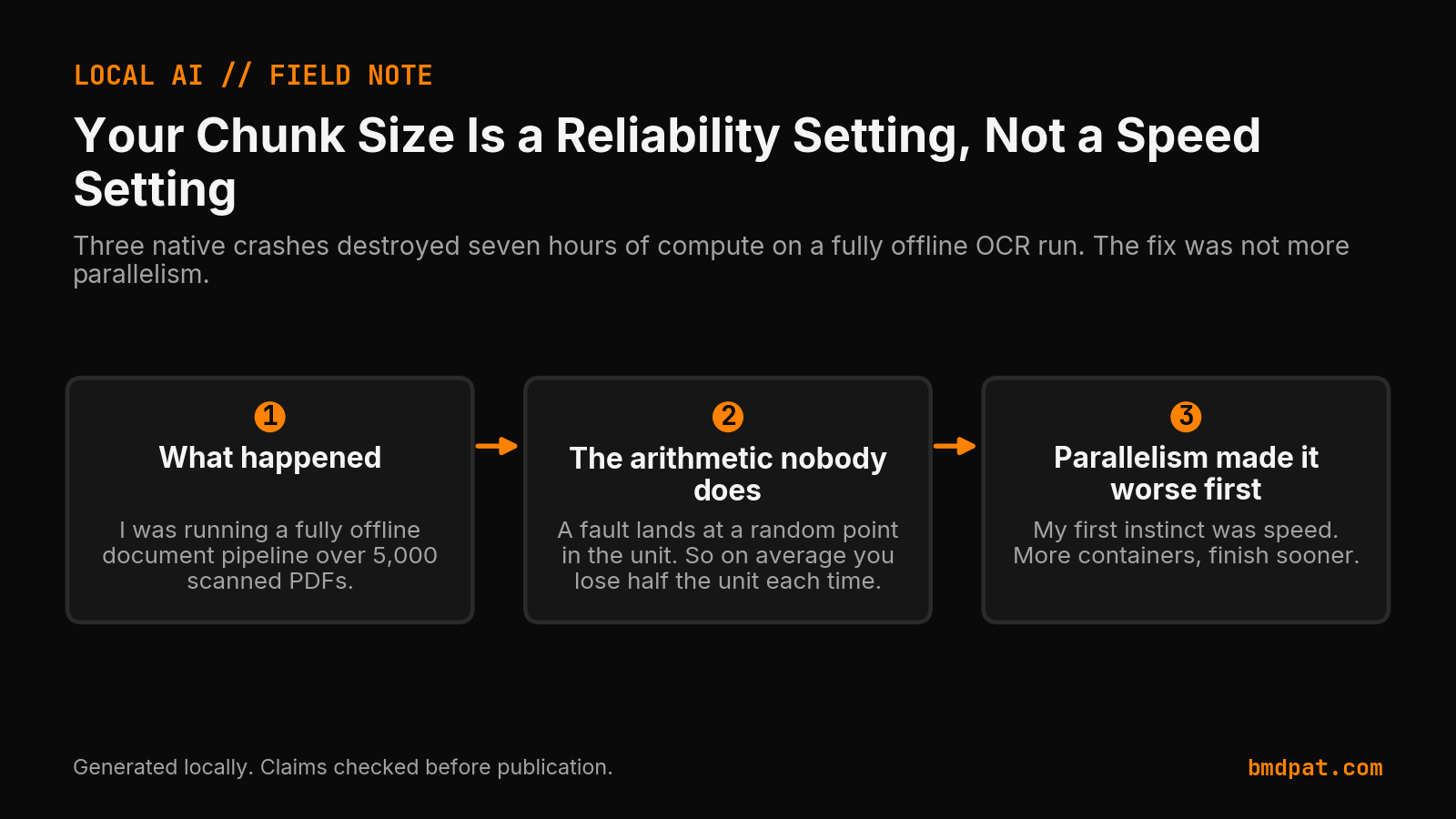
I was running a fully offline document pipeline over 5,000 scanned PDFs. One container per slice of the input. Four vCPU each, no network, read only filesystem, no GPU. The pipeline splits its input into chunks and runs each chunk in a fresh interpreter.
I set that chunk size to 1,000, which was the maximum.
Over the next four hours, three worker processes died with native faults. Not
clean exceptions. Signal level deaths: exit -5 and exit -11. They died at
roughly 50 percent, 50 percent, and 72 percent of their chunks.
Every one of those crashes threw away the whole chunk. About seven hours of compute, gone, on a deadline.
How much work does one crash erase?
A fault lands at a random point in the unit. So on average you lose half the unit each time.
At 1,000 cases per unit, a fault costs about 500 cases. At 250, the same fault costs about 125. Cut the unit by four, cut the loss by four. That is the whole idea, and it is boring, and it would have saved me most of the night.
The overhead of smaller units is real but tiny. You pay for a few more process restarts. I measured the cost at a few percent. The insurance is total.
Why did parallelism make the failure worse?
My first instinct was speed. More containers, finish sooner.
That was wrong twice over. More containers means more processes that can die, and it does nothing to reduce what each death costs. Worse, I sized them against the host's specs instead of the container runtime's actual ceiling, blew past the memory limit, and the OOM killer took out a healthy run that had been going for 33 minutes.
Adding parallelism to long, uncheckpointed units is the worst of both.
What order should you use to make a long job recoverable?
- Shorten the unit. Set it from your observed failure rate, not your throughput preference. If faults show up every two hours, a two hour unit is the wrong unit.
- Make failure loud. I had an in process retry that silently restarted a crashed chunk with one worker instead of four. It hid the signal and turned a twelve minute problem into a four hour one. A fast, noisy exit is better.
- Make resumption cheap. Durable checkpoint per completed unit, validated when you read it back, skipped on restart. Then a crash costs one unit and a container start.
- Only then parallelise, bounded by the ceiling you actually measured.
After I made those changes, a full restart of the container runtime cost me nothing but the one chunk in flight. Everything else resumed from disk.
How can you tell a machine fault from a code fault?
Some crashes are your bug. Some are the machine. Tell them apart before you spend an hour tuning code that is fine.
It is probably the machine when:
- The same input succeeds on one run and dies on another.
- Two or more independent workers die identically on one host.
- The crash is memory corruption rather than an exception. Watch for
SIGSEGV,SIGBUS, signal 139, or the one that gave it away for me: anunknown opcodeerror raised from inside a pure Python standard library module.
That last one is worth internalising. Python does not raise "unknown opcode" in
difflib because your code is wrong. It raises it because something wrote
garbage into the memory holding a compiled code object. No amount of
refactoring fixes that. Go test the hardware.
What did the repaired run measure?
For anyone sizing similar work: the pipeline ran at 3.2 seconds per PDF on four vCPU, fully offline, no network calls and no GPU. Nothing in it phones home. After moving to 250 case units, faults stopped costing me anything I could not recover in about twelve minutes.
What should you change in your next long-running job?
Go look at your longest running job right now. Find how long one unit of work takes between durable checkpoints. Then ask how long it has been since your last unexplained failure.
If the unit is longer than the gap between failures, your unit is wrong, and you are one crash away from finding out.
Accompanying prompt
What the prompt does: It turns a long-running local AI job into a checkpoint plan that limits the work lost when a worker dies.
Copy/paste this prompt:
Copy-ready prompt
Paste the exact block into your coding agent.
No article chrome, no footnotes, no formatting drift.
This prompt and every other one we publish live in the free prompt library.
Copy the block above.
Get the artifact-backed local AI lab notes by email: https://bmdpat.com/5090-reports
Related reading
FAQ
Why is chunk size a reliability setting?
A crash destroys the entire unit of work in flight. At 1,000 cases per unit a fault costs about 500 cases on average. Cut the unit by four and you cut the loss by four.
What failed in the 2026-08-04 run?
Three workers died with native faults (exit -5 and exit -11) at roughly 50, 50, and 72 percent of 1,000-case chunks. Adding more containers then blew the memory limit and the OOM killer took a healthy run after 33 minutes.
What order makes a long job recoverable?
Shorten the unit from the observed failure rate. Make failure loud instead of a silent in-process retry. Checkpoint each completed unit. Only then add parallelism, bounded by the ceiling you measured.
Get the Local AI Field Kit
Four copy-ready tools now, then one evidence-backed Local AI Lab Note on Friday when there is something worth sharing.
Try the free agent run check firstGet the requested artifact now, then at most one evidence-backed Local AI Lab Note on Friday when there is something worth sharing. One-click unsubscribe. No sponsored placements. Privacy.
Written by
Patrick Hughes
I build BMD and publish measured AI runs, failure reports, and reusable checks. Nashville, Tennessee.
More writing
- 5 min
Why Local LLM Benchmarks Need Power Data
A local LLM benchmark that reports only tokens per second hides the operating cost. My RTX 5090 run shows what power data adds.
- 5 min
Verify an AI Security Agent Actually Did What It Reported
Inspect real system state, capture hash-chained tool receipts outside agent reach, and anchor audit root fingerprints away from the local system operator.
- 6 min
q5_k_m vs q5_k_s: what the extra 0.12 GiB changes
Q5_K_M moves part of attn_v and ffn_down to Q6_K. Q5_K_S keeps Q5_K. For Llama 3.1 8B that is 5.33 GiB vs 5.21 GiB, and lower perplexity.
- 5 min
I Replaced Five Scheduled Tasks with Codex Cron
On 2026-10-17, I killed five Windows scheduled tasks and moved nightly queues to seven Codex cron jobs. The security audit stayed red across five repos.
- 5 min
Why I Built a Paid GPU Check and Hid the Buy Button
On 2026-10-24, I shipped a paid GPU purchase review page with the payment link turned off. Here is why dead plumbing beats fake demand data.