Prove llama.cpp Tensor Split Used Every GPU
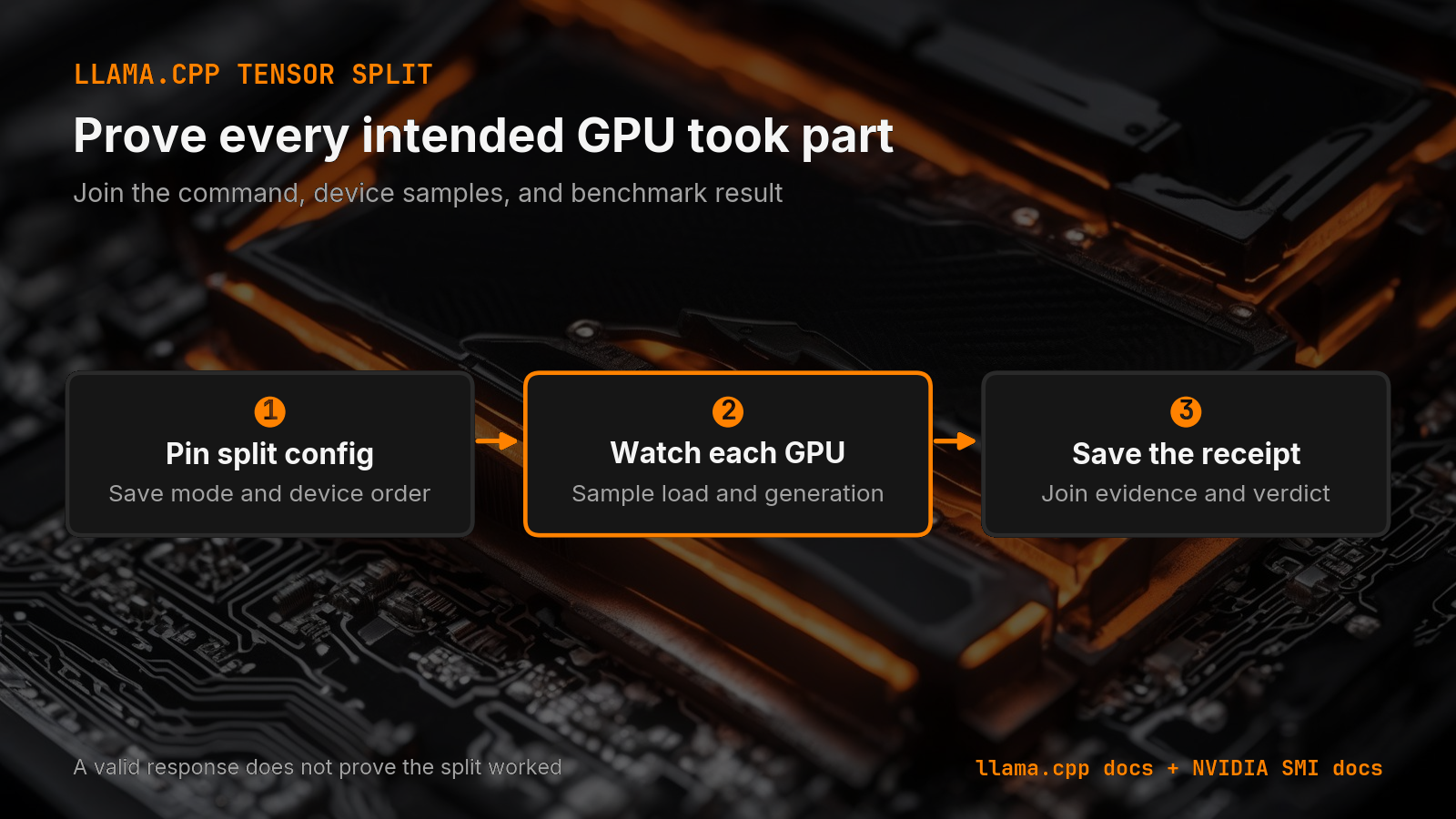
A tensor-split flag is only a request. Pin the split, watch every GPU, and save one repeatable llama.cpp receipt before trusting the result.
You added --tensor-split, the model loaded, and text came back. That does not prove the split worked as planned. A valid response can hide the wrong device, an uneven memory load, or a run that cannot be compared with the next one.
Short answer: Pin the exact llama.cpp split mode and proportions. Sample memory and use on every GPU while the same prompt runs. Save those observations with the benchmark result so the command and the hardware tell one story. Canonical URL: https://bmdpat.com/blog/llama-cpp-tensor-split-verification-2026
 Open full-size image (opens in new tab)
What does tensor split ask llama.cpp to do?
The current llama.cpp server reference separates split mode from split proportions. --split-mode selects how work is divided. --tensor-split supplies a comma-separated fraction for each GPU.
That distinction matters. A command such as --split-mode layer --tensor-split 3,1 states an allocation request. It does not record which devices were visible, how much memory each device held, or whether the run stayed stable under the real context.
My current RTX 5090 and RTX 3070 live on separate hosts. I cannot claim a fresh two-GPU llama.cpp result from that layout. This is the receipt I would require before I trusted one.
Which settings must stay fixed?
I start by saving the full command, not a note that says "tensor split enabled." The receipt names the llama.cpp build, model file, quant, context size, batch settings, split mode, split proportions, main GPU, and device order.
Device order is part of the test. The first value in the split list only has meaning when I know which physical GPU llama.cpp treated as the first device. I save the startup device list beside the command.
I also keep the prompt and output cap fixed. If I change context, batch size, model file, and split at once, a speed change has no clear cause. My multi-GPU tensor-split guide explains how the allocation choices differ. This post covers how I prove the chosen setup ran.
How do I confirm every GPU took part?
I take one idle sample before model load. Then I sample each GPU during load and during generation. NVIDIA documents device memory, utilization, and active process reporting in its nvidia-smi reference.
The check is simple. Each intended device must appear in the run receipt. Its memory use must change from the idle sample in a way that matches the planned split. I also want activity during the measured request, not only memory left behind by another process.
I do not turn one utilization sample into a performance claim. Sampling windows can miss short work. I use the samples as participation evidence, then use llama.cpp output and repeated timing for the performance result.
If one GPU stays at its idle memory and activity while the other carries the model, the split did not earn a pass. I stop there. I inspect device order, the selected split mode, the build backend, and the startup log before I tune anything.
What belongs in the benchmark receipt?
A useful receipt joins configuration, observation, and result. I save the full command, build identifier, detected devices, per-device idle memory, per-device loaded memory, context, prompt token count, output token count, wall time, and llama.cpp result.
I also save the verdict. PASS means every intended GPU appeared, the observed allocation matched the request closely enough for the test, and repeated runs completed under the same settings. FAIL names the first broken gate. UNKNOWN means the monitor missed the run or the device mapping was not recorded.
This is stricter than checking whether text came back. It is also cheaper than tuning a setup that never used the hardware you thought it used.
When should I change the split?
I change the split only after the receipt proves the current one. Then I alter one field and repeat the same prompt. The comparison can test a different proportion, split mode, or main GPU, but not all three together.
If the model does not fully fit, I first confirm the offload boundary. My llama.cpp GPU offload diagnostic shows why a partial or missing offload is a different problem from an uneven multi-GPU split.
The best split is not the prettiest ratio. It is the smallest configuration that fits the real context, uses the intended devices, repeats cleanly, and improves the workload you care about.
Accompanying prompt
What the prompt does: It turns a llama.cpp multi-GPU command and monitor log into a pass, fail, or unknown tensor-split receipt.
Copy/paste this prompt:
Copy-ready prompt
Paste the exact block into your coding agent.
No article chrome, no footnotes, no formatting drift.
This prompt and every other one we publish live in the free prompt library.
Copy the block above.
Get the next measured local-AI field note by email: The 5090 Reports.
Tell me when llama.cpp changes this flag
llama.cpp ships new builds most days. A small watcher reads each stable release. When --tensor-split and --split-mode changes its name, help text or default, I check the change and send you one short email that shows it.
You confirm each watch by email first. Then you get the flag alerts and at most one Local AI Lab Note on Friday. One-click unsubscribe. Privacy.
Written by
Patrick Hughes
I build BMD and publish measured AI runs, failure reports, and reusable checks. Nashville, Tennessee.
More writing
- 5 min
Local or API? Test the task before routing it
Compare a local model with an API on the same task. Record settings, failed attempts, review time and cost before you decide where the workload belongs.
- 7 min
llama.cpp Multi-GPU Guide: --tensor-split & --split-mode (2026)
Running a 70B across 2 GPUs and hitting OOM? The llama.cpp multi-GPU reference: --tensor-split ratios, --split-mode layer vs row, --main-gpu, and the VRAM math from a real two-card rig.
- 5 min
Why Your Local Model Fits and Still Fails at Long Context
A local model can load and still run out of memory at longer context. Compare two controlled loads, inspect cache logs, and test the real workload.
- 5 min
Does Ollama Include That New llama.cpp Feature?
A llama.cpp release note does not prove that Ollama can use the feature. I trace the active runtime path, pin versions, and test the same workload.
- 5 min
Q4_K_M vs Q5_K_M (q4km vs q5km): Which to Download? (2026)
Stuck between q4km and q5km? Verdict: start with Q4_K_M on 8–24GB cards; move to Q5_K_M only if it still fits with KV-cache headroom. The 5-minute VRAM check inside.