KV Cache Q4 vs Q8 in llama.cpp Explained
Compare q4_0 and q8_0 KV cache options in llama.cpp server. Learn the exact CLI flags, allowed types, defaults, and how to verify output quality.
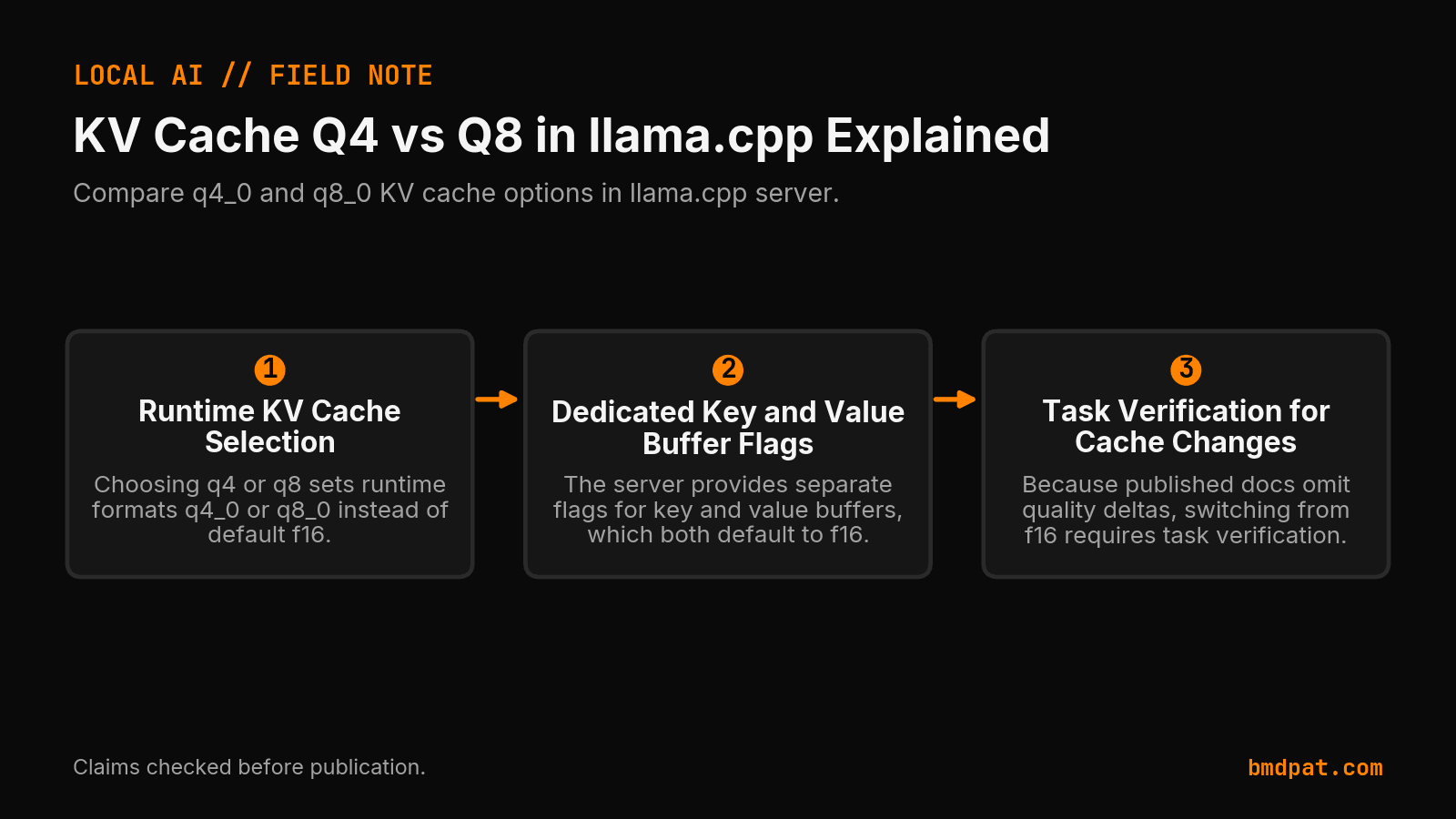
In llama.cpp server, choosing between a q4 and a q8 KV cache means choosing between the q4_0 and q8_0 runtime cache types instead of the default f16.
Setting a quantized key-value cache changes how your server stores context tokens in memory. When you configure this setting, you are not picking model weight files like Q4_K_M or Q8_0. You are configuring runtime buffer formats for attention keys and values.
What is the difference in llama.cpp between a q4 and q8 KV cache?
The difference comes down to the specific cache format you supply to the server runtime. In llama.cpp, setting a q4 KV cache means selecting q4_0, while a q8 KV cache selects q8_0. Both options compress runtime context compared to the standard default format.
According to the official llama.cpp server documentation, both key and value buffers default to f16. The allowed values for both settings are f32, f16, bf16, q8_0, q4_0, q4_1, iq4_nl, q5_0, and q5_1. Notice that k-quants like q4_k or q8_k do not appear on this list.
On the independent format side, the Hugging Face GGUF documentation explains that Q4_0 is a 4-bit round-to-nearest quantization where each block has 32 weights using the formula w = q * block_scale. It describes Q8_0 as an 8-bit round-to-nearest quantization that also uses 32 weights per block with the same scale formula. While Hugging Face defines these formulas for weight tensors, llama.cpp uses the q4_0 and q8_0 naming scheme for its KV cache types.
If you are researching model files rather than context buffers, read our breakdown on GGUF quantization explained and check model weights using the GGUF compare tool.
Which command-line flags control the KV cache?
You control the KV cache types using separate flags for keys and values. The server accepts --cache-type-k or -ctk for the key buffer, and --cache-type-v or -ctv for the value buffer. You can also configure them using environment variables.
Here is how the options look side by side:
| Setting Target | CLI Flag | Short Flag | Environment Variable | Documented Default |
|---|---|---|---|---|
| Key Cache | --cache-type-k | -ctk | LLAMA_ARG_CACHE_TYPE_K | f16 |
| Value Cache | --cache-type-v | -ctv | LLAMA_ARG_CACHE_TYPE_V | f16 |
| Draft Model Key Cache | --cache-type-k-draft | N/A | N/A | f16 |
| Draft Model Value Cache | --cache-type-v-draft | N/A | N/A | f16 |
The documentation does not state that K and V types must match. It also does not document whether quantizing keys or values is safer for output stability. If you run speculative decoding, the draft model provides separate flags with the exact same allowed values.
You can set these flags directly on the command line:
llama-server -m model.gguf --cache-type-k q8_0 --cache-type-v q8_0
Or test a tighter cache format:
llama-server -m model.gguf --cache-type-k q4_0 --cache-type-v q4_0
The documentation also includes --flash-attn (-fa), which accepts on, off, or auto, with a default of auto. The server documentation does not state that quantized KV types require Flash Attention.
When should you pick q8_0 over q4_0?
You should pick q8_0 when you need memory reduction beyond f16 but want a wider cache representation than q4_0. You pick q4_0 only when memory constraints demand a smaller cache type and your specific task verification still passes.
Start from the documented default. If your required context fits in your memory budget at f16, leave both settings at f16. Neither source documentation provides exact bytes-per-token figures, perplexity deltas, or benchmark scores between q4_0 and q8_0. Because published documents omit quality deltas, treat any switch away from f16 as an experimental change that you must verify against your own evaluation suite.
For broader hardware considerations, read about local LLM inference on consumer GPUs.
What should you do with this?
- Inspect your current server startup arguments to see if
--cache-type-kand--cache-type-vare omitted, which means your server is running the defaultf16cache. - If you need a smaller cache, launch a test instance using
--cache-type-k q8_0and--cache-type-v q8_0and run a deterministic test prompt to confirm output consistency. - If memory limits still require a smaller cache, test
--cache-type-k q4_0and--cache-type-v q4_0, keeping the configuration only if your task evaluation passes.
Accompanying prompt
What the prompt does: This prompt helps you construct and verify llama.cpp server launch flags for q4 and q8 KV cache configurations.
Copy/paste this prompt:
Copy-ready prompt
Paste the exact block into your coding agent.
No article chrome, no footnotes, no formatting drift.
This prompt and every other one we publish live in the free prompt library.
Copy the block above.
Weekly measured local runs: https://bmdpat.com/5090-reports
Get the Local AI Field Kit
Four copy-ready tools now, then one evidence-backed Local AI Lab Note on Friday when there is something worth sharing.
Try the free agent run check firstGet the requested artifact now, then at most one evidence-backed Local AI Lab Note on Friday when there is something worth sharing. One-click unsubscribe. No sponsored placements. Privacy.
Patrick Hughes
I build BMD and publish measured AI runs, failure reports, and reusable checks. Nashville, Tennessee.
More writing
- 5 min
RFC 9110 402 Payment Required: Reserved for Future Use
RFC 9110 reserves status 402 for future use with zero wire protocol details. Check the IANA registry entry and handle custom payment headers in your client.
- 5 min
q4km vs q4ks: which 4-bit file fits?
q4km is Q4_K_M and q4ks is Q4_K_S. For Llama 3.1 8B, the quantize README lists 4.36 GiB for Q4_K_S and 4.58 GiB for Q4_K_M.
- 5 min
llama.cpp max context length gpu memory: What Fits
Find out how context length drives GPU memory in llama.cpp, how the KV cache scales, and which flags keep your local inference runs within VRAM limits.
- 5 min
How to Route Local LLM Workloads with Open Weights
Open weights match coding parity while cloud models lead on reasoning. Route your 5090 workloads using verified 2026 inference pricing and benchmark data.
- 5 min
Bonsai 27B vs Gemma 4 E4B: Which Should You Run?
Compare Ternary Bonsai 27B and Gemma 4 E4B for local AI. See VRAM footprints, multimodal support, benchmark scores, and run commands for your setup.