Bonsai 27B vs Gemma 4 E4B: Which Should You Run?
Compare Ternary Bonsai 27B and Gemma 4 E4B for local AI. See VRAM footprints, multimodal support, benchmark scores, and run commands for your setup.
Ternary Bonsai 27B and Gemma 4 E4B target different memory tiers: choose Gemma 4 E4B for audio or a 4.5 GB Q4_0 weight file, and choose Ternary Bonsai 27B for a 7.2 GB deployed footprint when you need 27B-class math and language reasoning.
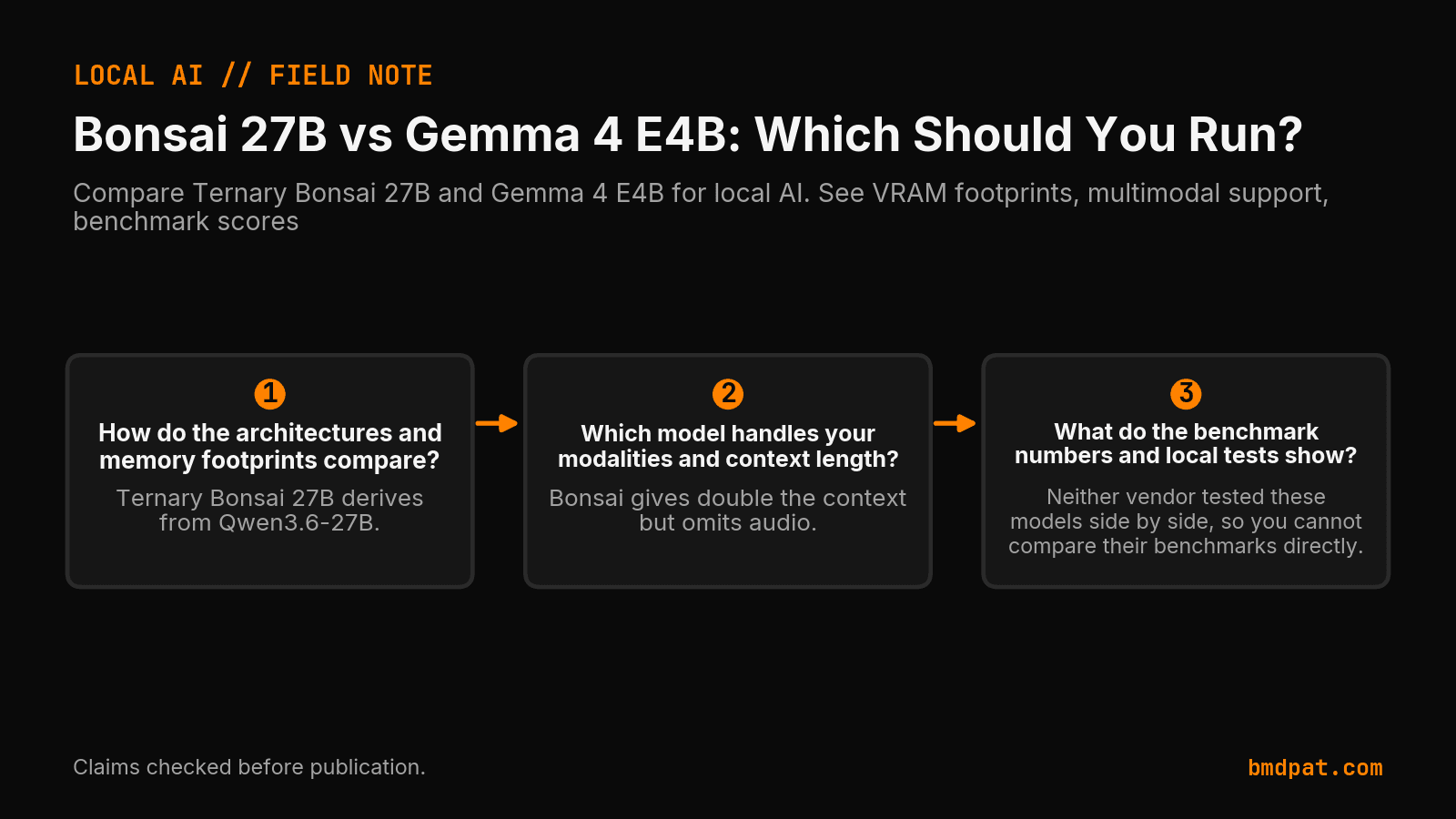
How do the architectures and memory footprints compare?
Ternary Bonsai 27B compresses a 27.3B base into a 7.2 GB deployed footprint using ternary weights, while Gemma 4 E4B runs 4.5B effective parameters with a 4.5 GB Q4_0 weight file. KV cache is extra. You choose Bonsai when that 7.2 GB footprint fits. You choose Gemma 4 E4B when the 4.5 GB weight file fits, or when the job needs audio.
Ternary Bonsai 27B derives from Qwen3.6-27B. The primary PrismML Hugging Face model card details ~27.3B ternary weights with a ~0.46B vision tower under Apache 2.0. GGUF Q2_0_g128 yields 1.71 bits per weight, an ideal size of 5.9 GB, and a 7.17 GB file (~7.2 GB deployed). FP16 takes ~54 GB, while 1-bit is 3.9 GB. PrismML documentation lists Q2_0 at 6.66 GiB. Conversely, the independent Google Gemma 4 model card notes Gemma 4 E4B carries 4.5B effective parameters (8B with embeddings). The Google memory table lists weights-only sizes: 17.9 GB for BF16, 8.9 GB for SFP8, and 4.5 GB for Q4_0.
| Spec | Ternary Bonsai 27B | Gemma 4 E4B |
|---|---|---|
| Base params | 27.3B ternary + 0.46B vision | 4.5B effective (8B w/ embeddings) |
| Quantized size | 7.17 GB (Q2_0_g128) / 6.66 GiB (Q2_0) | 4.5 GB (Q4_0) / 8.9 GB (SFP8) |
| Weight size | ~7.2 GB deployed | 4.5 GB (Q4_0, weights only) |
| Context limit | 262,144 tokens | 128,000 tokens (512 sliding window) |
| Modalities | Text, image | Text, image, audio (up to 30s) |
Which model handles your modalities and context length?
Gemma 4 E4B wins if your pipeline ingests audio clips, while Ternary Bonsai 27B wins if your prompts require a 262K context window. Gemma accepts text, images, and 30-second audio inputs across 128K context, whereas Bonsai processes text and images without audio support.
Gemma 4 E4B integrates a ~150M vision encoder and a ~300M audio encoder per the independent Google Gemma 4 model card, handling 30-second audio clips across 128K context. Ternary Bonsai 27B provides 262,144 context tokens for text and images per PrismML documentation, with mmproj adding +0.9 GiB in the docs (0.63 GB or 0.93 GB in the primary README). Bonsai gives double the context but omits audio. When inspecting agent context growth, use BMD, see what your agents actually did.
What do the benchmark numbers and local tests show?
Neither vendor tested these models side by side, so you cannot compare their benchmarks directly. Ternary Bonsai 27B scored an 80.49 average on an H100 in EvalScope, while instruction-tuned Gemma 4 E4B scored 69.4% on MMLU Pro and 42.5% on AIME 2026.
The primary PrismML Hugging Face model card reports EvalScope runs on an H100 (temperature 0.7, top-p 0.95, top-k 20): Bonsai scored an 80.49 average (94.6% of Qwen FP16 at 85.07) and 93.40 in math (versus 95.33). The 1-bit build scored 76.11. The table benched Gemma-4-31B, not E4B. Google's independent Google Gemma 4 model card lists instruction-tuned E4B scores: MMLU Pro 69.4%, AIME 2026 42.5%, LiveCodeBench v6 52.0%, GPQA Diamond 58.6%, MMMU Pro 52.6%, and MRCR v2 128k average 25.4%.
Our RTX 5090 log (5090-rig/benchmarks/2026-07-16-bonsai-27b.csv) measured Bonsai Q2_0_g128 at 3885.47 tok/s prompt processing and 123.37 tok/s generation. No E4B run is on file. Do not confuse E4B with the 26B model in our 26B comparison. Sizing local hardware needs care: see our 5090 local inference guide and track tokens with AI agent cost control.
How do you run each model locally?
You run Gemma 4 E4B directly in Ollama using the official model tag, whereas you run Ternary Bonsai 27B using llama.cpp with the custom ternary quantization file. Each loader uses different CLI flags and quantization formats suited to its respective architecture.
Pull Gemma 4 E4B using the tag on Google's Ollama integration page:
ollama run gemma4:e4b
The Google memory table identifies this build as {model-name}-qat-q4_0-gguf.
For Ternary Bonsai 27B, the primary PrismML Hugging Face model card gives the command:
./build/bin/llama-cli -m Ternary-Bonsai-27B-PQ2_0.gguf -p "Explain quantum computing in simple terms." -n 256 --temp 0.7 --top-p 0.95 --top-k 20 -ngl 99
The PrismML documentation names Ternary-Bonsai-27B-Q2_0.gguf, while upstream llama.cpp expects Ternary-Bonsai-27B-Q2_g64.gguf.
What should you do with this?
You should audit your hardware VRAM, verify your pipeline input requirements, and run a test prompt against the selected model tag. Selecting between these two models comes down to whether your workflow demands native audio processing or larger parameter capacity for complex text prompts.
- If the job needs audio clips up to 30 seconds, or the 4.5 GB Q4_0 weight file is the size that fits, pull
gemma4:e4b. - Deploy Ternary Bonsai 27B when the 7.2 GB deployed footprint fits and you need 262K context or the H100 math score. The model card says this build is past the ~6 GB per-app iOS budget.
- Test generation speed with test prompts before wiring the model into active services.
Accompanying prompt
What the prompt does: This prompt evaluates your hardware specs and workload requirements to recommend either Ternary Bonsai 27B or Gemma 4 E4B.
Copy/paste this prompt:
Copy-ready prompt
Paste the exact block into your coding agent.
No article chrome, no footnotes, no formatting drift.
This prompt and every other one we publish live in the free prompt library.
Copy the block above.
Weekly measured local runs: https://bmdpat.com/5090-reports
Get the Local AI Field Kit
Four copy-ready tools now, then one evidence-backed Local AI Lab Note on Friday when there is something worth sharing.
Try the free agent run check firstGet the requested artifact now, then at most one evidence-backed Local AI Lab Note on Friday when there is something worth sharing. One-click unsubscribe. No sponsored placements. Privacy.
Patrick Hughes
I build BMD and publish measured AI runs, failure reports, and reusable checks. Nashville, Tennessee.
More writing
- 4 min
I built refusals into my claim recorder
On September 23, I added write-time checks to my agent claim recorder. Six bad rows needed retraction. Here is what those checks can and cannot prove.
- 5 min
q4_k_m vs q8_0: which GGUF quant should you use?
Compare Q4_K_M and Q8_0 for Llama 3.1 8B. Learn how quantization affects file size, VRAM usage, perplexity, and generation speed on local hardware.
- 5 min
Local or API? Test the task before routing it
Compare a local model with an API on the same task. Record settings, failed attempts, review time and cost before you decide where the workload belongs.
- 6 min
Build an AI Research Workbench on Your Own GPU
Claude Science keeps data on local systems but sends selected context to Claude. Here is the owned-GPU version, with measured RTX 5090 costs.
- 5 min
Why production AI is moving to open weights
I tested a local-first writing pipeline on an RTX 5090. Gemma 4 writes the draft, deterministic checks catch errors, and frontier QA decides what ships.