What Does ngl 99 Mean in llama.cpp?
In llama.cpp, ngl 99 sets a numeric cap of 99 layers in GPU memory rather than 99 percent VRAM. Here is how layer offloading works and what to run.
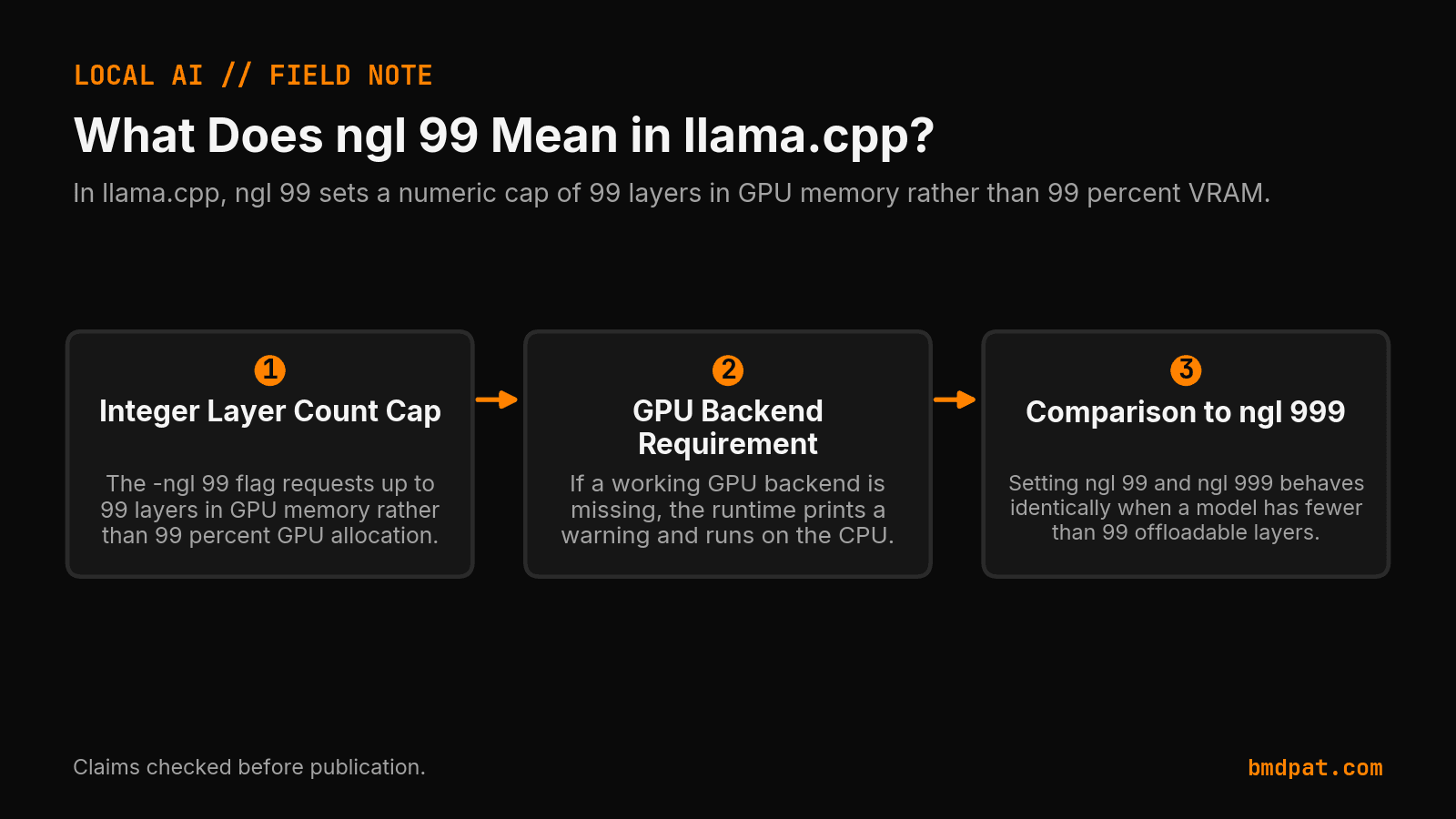
In llama.cpp, -ngl 99 requests a maximum cap of 99 model layers in GPU memory, not 99 percent GPU allocation.
Many builders paste -ngl 99 into a terminal. They expect the engine to fill 99 percent of available VRAM. That is not how the flag works. It passes an integer layer count directly to the loader. If your model has fewer layers, the runtime loads all offloadable layers and stops. If your system lacks a working GPU backend, the runtime prints a warning and runs on the CPU. It will not build hardware support out of nowhere.
What does ngl 99 mean in llama.cpp?
In llama.cpp, -ngl 99 tells the loader to place up to 99 model layers into GPU memory. It sets an absolute integer count rather than a percentage. If your model has 32 layers, the loader attempts to offload all 32 layers to your graphics card and ignores the remaining quota.
The option names -ngl, --gpu-layers, and --n-gpu-layers point to the exact same setting in the argument parser. Primary source evidence from the llama.cpp argument parser at commit 6868a52cb337450658006ad2f9281c2eb63f1666 confirms that the CLI parser maps these aliases together. The parser accepts an explicit integer, auto, or all.
When you specify auto, the parser maps that choice to -1. When you specify all, the parser maps that choice to -2. It is that simple. The parser also warns you if no usable GPU backend exists. Passing a high number like 99 cannot construct a missing GPU backend. If CUDA or Metal support is absent from the binary, the engine ignores the option completely and stays on your processor.
How does llama.cpp handle layer offloading limits?
The llama.cpp loader caps layer placement at the total layer count plus one for the output layer. It assigns the input layer to system memory on the CPU. Full layer offload places the offloadable weights in VRAM, but it does not mean every tensor or operation runs on the GPU.
Source evidence from src/llama-model.cpp at commit 6868a52cb337450658006ad2f9281c2eb63f1666 shows how the loader evaluates n_layer_all + 1. During initialization, the engine inspects the architecture and prints a clear summary line: offloaded %d/%d layers to GPU.
You can see this division in real hardware runs. I recorded a test run on an RTX 5090 using llama.cpp build b10423 with Muse Glimmer Q4_K_M on 2026-08-13. The test command passed -ngl 99 -p 512 -n 128 -r 3. The run produced generation speeds of 29.46 ± 0.98 tokens per second with a sampler peak of 23,261 MiB. That run demonstrates that -ngl 99 functions as an offload request on compatible hardware. It worked cleanly. It is not an experimental speedup over all or 999.
According to tools/server/README.md at commit 6868a52cb337450658006ad2f9281c2eb63f1666, the server build includes a --fit flag that is on by default. That feature adjusts unset arguments to fit available device memory. Passing an explicit 99 overrides that behavior with an exact limit. A numeric value is a manual instruction, not an automated promise that the weights will fit safely into VRAM without spilling over.
Check our llama.cpp n-gpu-layers guide for base values and CPU fallback paths. To verify hardware headrooms before launching, test your target context with our VRAM calculator.
How do ngl 99 and ngl 999 compare across different tools?
Setting ngl 99 and ngl 999 produces identical placement when a model has fewer than 99 offloadable layers. The larger integer only matters when a model contains between 100 and 999 layers. Independent documentation confirms that downstream deployment runtimes treat this argument as an explicit layer count in memory.
Independent evidence from Hugging Face's Text Generation Inference documentation for the llamacpp backend defines --n-gpu-layers as the number of layers stored in VRAM. The Hugging Face GPU Docker deployment example explicitly specifies --n-gpu-layers 99, while configuring CUDA acceleration as a separate environment setting.
Use this reference table to evaluate option settings:
| Setting Option | Parser Mapping | Behavior |
|---|---|---|
--n-gpu-layers 99 | Integer 99 | Caps offload at 99 layers. Offloads all layers if total is 99 or less. |
--n-gpu-layers 999 | Integer 999 | Caps offload at 999 layers. Behaves like 99 for standard smaller models. |
--gpu-layers all | Integer -2 | Requests placement of every offloadable layer to GPU memory. |
--gpu-layers auto | Integer -1 | Requests automated layer placement based on build defaults. |
For deep execution context across different cards, review our work on local LLM inference on consumer GPUs.
What should you do with this?
Inspect your startup log to verify how many layers offloaded to your card. Do not assume passing 99 offloaded the entire model or left free VRAM. Read the reported layer count, check your hardware headroom, and pick explicit numeric flags when you need repeatable partial offloads.
- Launch your model binary with your chosen flag and watch the console initialization log.
- Check the output for the exact line reading
offloaded %d/%d layers to GPU. - If VRAM runs out, decrease the integer layer count below the maximum to leave memory space for context tokens.
Accompanying prompt
What the prompt does: Audits a local llama.cpp startup log to confirm total offloaded layers and verify whether a numeric layer flag capped placement.
Copy/paste this prompt:
Copy-ready prompt
Paste the exact block into your coding agent.
No article chrome, no footnotes, no formatting drift.
This prompt and every other one we publish live in the free prompt library.
Copy the block above.
Weekly measured local runs: https://bmdpat.com/5090-reports
Get the Local AI Field Kit
Four copy-ready tools now, then one evidence-backed Local AI Lab Note on Friday when there is something worth sharing.
Try the free agent run check firstGet the requested artifact now, then at most one evidence-backed Local AI Lab Note on Friday when there is something worth sharing. One-click unsubscribe. No sponsored placements. Privacy.
Patrick Hughes
I build BMD and publish measured AI runs, failure reports, and reusable checks. Nashville, Tennessee.
More writing
- 5 min
q4km vs q4ks: which 4-bit file fits?
q4km is Q4_K_M and q4ks is Q4_K_S. For Llama 3.1 8B, the quantize README lists 4.36 GiB for Q4_K_S and 4.58 GiB for Q4_K_M.
- 5 min
KV Cache Q4 vs Q8 in llama.cpp Explained
Compare q4_0 and q8_0 KV cache options in llama.cpp server. Learn the exact CLI flags, allowed types, defaults, and how to verify output quality.
- 5 min
RFC 9110 402 Payment Required: Reserved for Future Use
RFC 9110 reserves status 402 for future use with zero wire protocol details. Check the IANA registry entry and handle custom payment headers in your client.
- 5 min
llama.cpp max context length gpu memory: What Fits
Find out how context length drives GPU memory in llama.cpp, how the KV cache scales, and which flags keep your local inference runs within VRAM limits.
- 5 min
How to Route Local LLM Workloads with Open Weights
Open weights match coding parity while cloud models lead on reasoning. Route your 5090 workloads using verified 2026 inference pricing and benchmark data.