q4_k_m vs q8_0: which GGUF quant should you use?
Compare Q4_K_M and Q8_0 for Llama 3.1 8B. Learn how quantization affects file size, VRAM usage, perplexity, and generation speed on local hardware.
Q4_K_M is the best choice for speed and memory efficiency, while Q8_0 is better if you need maximum fidelity and have enough VRAM to spare. On Llama-3.1-8B, Q4_K_M uses 4.58 GiB of space, whereas Q8_0 requires 7.95 GiB.
 Open full-size image (opens in new tab)
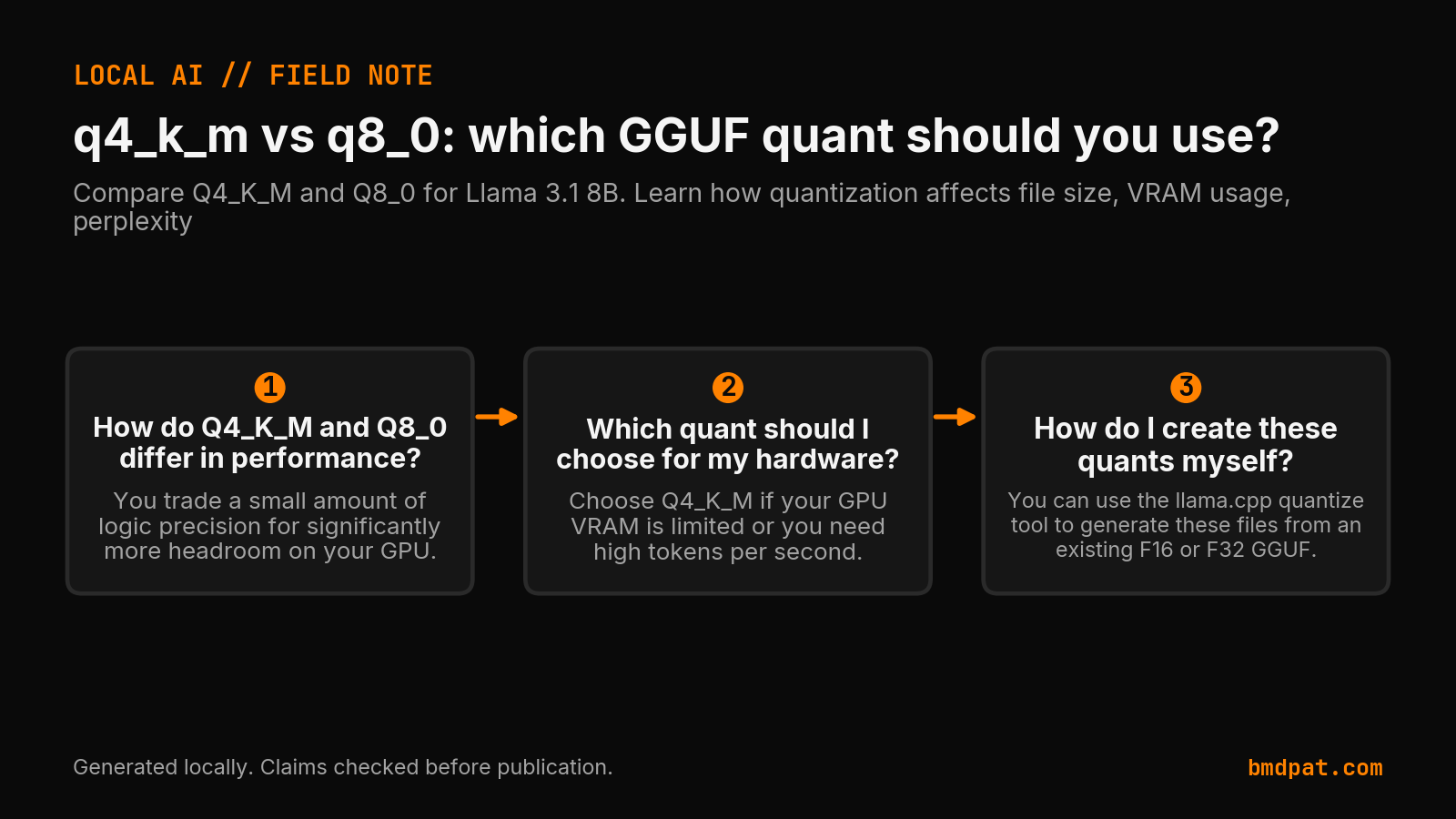
How do Q4_K_M and Q8_0 differ in performance?
Q4_K_M offers much faster generation speeds and a smaller footprint, but Q8_0 maintains higher accuracy by staying closer to the original FP16 model's perplexity and KL divergence. You trade a small amount of logic precision for significantly more headroom on your GPU.
The difference comes down to bits per weight. According to the llama.cpp quantize documentation, Q4_K_M is approximately 4.89 bits per weight (https://github.com/ggml-org/llama.cpp/tree/master/tools/quantize). Q8_0 uses roughly 8.5 bits per weight (https://github.com/ggml-org/llama.cpp/tree/master/tools/quantize).
I look at perplexity to see how much the model "stumbles" compared to the original. In a llama.cpp perplexity test on Llama-3 8B, Q8_0 achieved a PPL of 6.234284, while Q4_K_M was higher at 6.407115 (https://raw.githubusercontent.com/ggml-org/llama.cpp/master/tools/perplexity/README.md). Lower is better.
An independent study in arXiv:2601.14277v1 shows that Q8_0 is a high-fidelity baseline, but its compression is weaker than 4 or 5 bit options (https://arxiv.org/html/2601.14277v1). In task benchmarks, the average score for Q4_K_M was 69.15 and Q8_0 was 69.41 (https://arxiv.org/html/2601.14277v1).
Which quant should I choose for my hardware?
Choose Q4_K_M if your GPU VRAM is limited or you need high tokens per second. Choose Q8_0 if you have plenty of VRAM and the task requires the highest possible accuracy from the model.
The choice depends on your specific bottleneck. If you are running local LLM inference on consumer GPUs, VRAM is your most precious resource.
Use this guide to decide:
| Feature | Q4_K_M | Q8_0 |
|---|---|---|
| Llama-3.1-8B Size | ~4.58 GiB | ~7.95 GiB |
| Generation Speed | Faster (71.93 t/s) | Slower (50.93 t/s) |
| Accuracy (PPL) | 6.407 | 6.234 |
| Best Use Case | High speed / Low VRAM | High fidelity / High VRAM |
Note: size and speed rows are the Llama-3.1-8B run in the llama.cpp quantize README (https://raw.githubusercontent.com/ggml-org/llama.cpp/master/tools/quantize/README.md). The perplexity row is the Llama-3 8B run in the perplexity README (https://raw.githubusercontent.com/ggml-org/llama.cpp/master/tools/perplexity/README.md), the rows measured without an imatrix. They are two different measurements.
If you are unsure about the math behind these sizes, read my GGUF quantization explained post or use the quant compare tool to see how different weights affect your model.
How do I create these quants myself?
You can use the llama.cpp quantize tool to generate these files from an existing F16 or F32 GGUF. You just need to specify the target type and the number of threads for the process.
Run this command in your terminal:
./llama-quantize input-model-f32.gguf q4_k_m 8
The q4_k_m part is the quantization type. The 8 at the end is the number of CPU threads you want to use. To make a Q8_0 version, simply replace q4_k_m with q8_0. Be careful when using the --allow-requantize flag, as it can reduce quality compared to quantizing directly from 16-bit (https://github.com/ggml-org/llama.cpp/tree/master/tools/quantize).
What should you do with this?
- Check your available VRAM using
nvidia-smibefore downloading a new quant. - Download the Q4_K_M version first to ensure the model fits and runs at your target speed.
- Only move to Q8_0 if you notice logic errors in the smaller quant and have the extra GiB of VRAM available for context.
Accompanying prompt
What the prompt does: Helps you decide between specific GGUF quantization levels based on your hardware constraints.
Copy/paste this prompt:
Copy-ready prompt
Paste the exact block into your coding agent.
No article chrome, no footnotes, no formatting drift.
This prompt and every other one we publish live in the free prompt library.
Copy the block above.
Weekly measured local runs: https://bmdpat.com/5090-reports
Related reading
Get the Local AI Field Kit
Four copy-ready tools now, then one evidence-backed Local AI Lab Note on Friday when there is something worth sharing.
Try the free agent run check firstGet the requested artifact now, then at most one evidence-backed Local AI Lab Note on Friday when there is something worth sharing. One-click unsubscribe. No sponsored placements. Privacy.
Written by
Patrick Hughes
I build BMD and publish measured AI runs, failure reports, and reusable checks. Nashville, Tennessee.
More writing
- 4 min
My agent roadmaps did not prove the work was done
I wrote agent roadmaps, but my September 18 records showed a separate problem. Plans, delivered work, and saved time each need their own evidence.
- 5 min
Is OpenClaw Worth It? Setup Costs and Risks
OpenClaw offers free self-hosted messaging agents under the MIT license, but model token fees, host security, and skill audits determine your real costs.
- 5 min
OpenClaw AI Assistant Latest News 2026
OpenClaw release v2026.10.4 repairs sleep restarts and Tlon permissions, following skill discovery, MCP Apps, and R2 backup updates in October 2026.
- 5 min
What Does Q4_K_M Mean? GGUF Quantization Decoded
Learn the exact meaning of Q4_K_M in llama.cpp, how its mixed tensor precisions work, and how to verify if it fits your consumer GPU VRAM budget.
- 5 min
Q6_K vs Q8_0: Which GGUF Preset Fits Your Setup?
Compare Q6_K and Q8_0 presets for llama.cpp. See real VRAM allocation, file sizes, and test steps to decide which GGUF quantization fits your card.