Why a Failed Local LLM Benchmark Row Still Matters
A failed local LLM row marks the test boundary. My RTX 5090 report shows why quality, speed, and settings belong in one receipt.
TL;DR
- One gemma4:26b row ran on Ollama at 2,048 context with num_batch=128. Speed was 156.9 tokens per second. Fixed-task quality was 0%.
- The num_batch=256 row reached 215.7 tokens per second at 100% quality. The num_batch=512 row reached 218.5 tokens per second at 100% quality. Average power was 187.6 W and 234.3 W.
- The failed row logged 100 input and 600 output tokens. Both passing rows logged 91 input and 482 output. Three fields moved, so the honest label is a new experiment, not a controlled comparison.
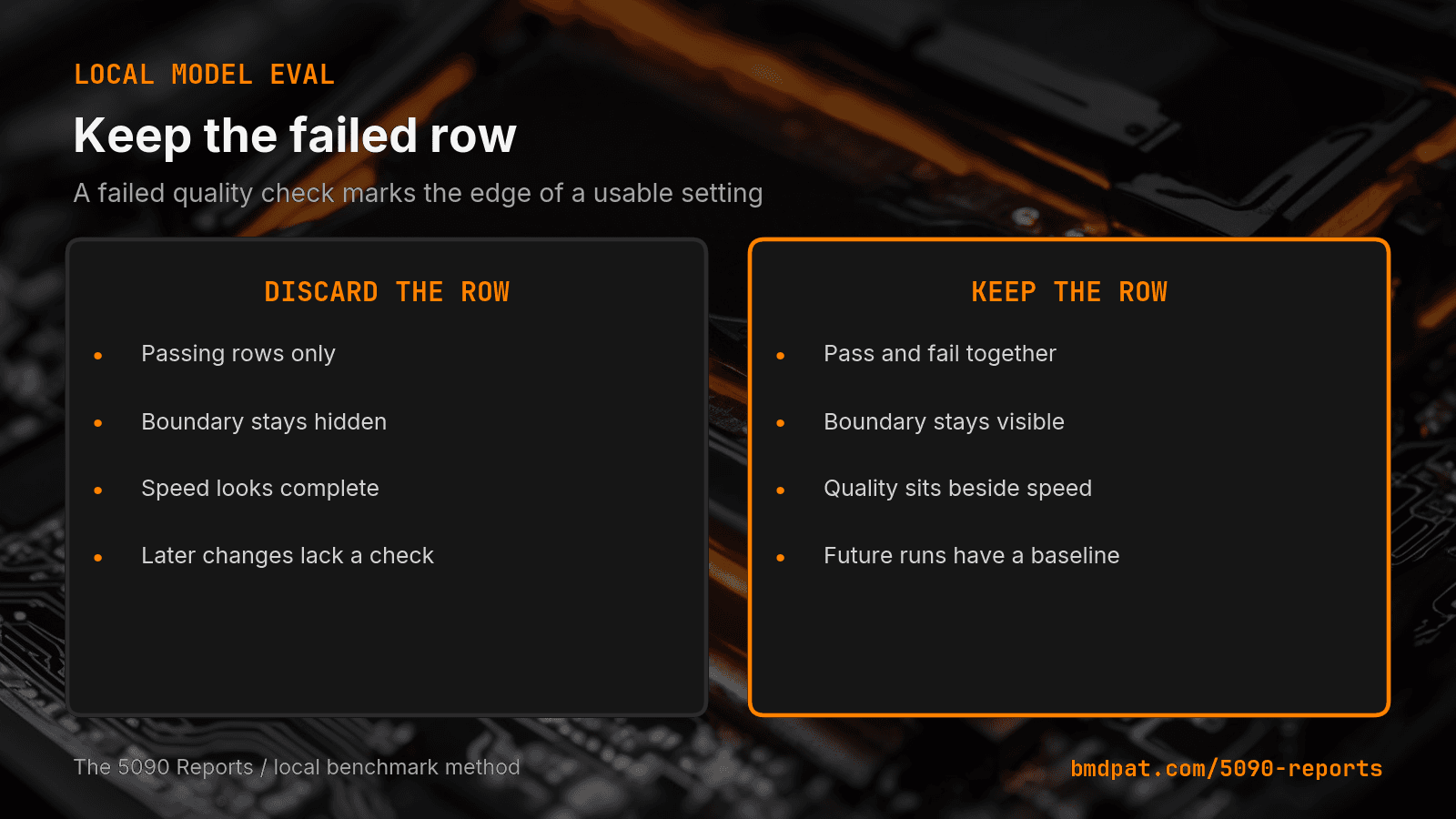
I used to delete failed benchmark rows. That was wrong. A failed row marks the test boundary: the point where a fixed check stopped passing.
The short answer: Keep failed quality rows in the receipt. On my RTX 5090, one gemma4:26b setting hit 156.9 tokens per second and scored 0% on the fixed tasks. Two nearby settings scored 100%. The failed row is what makes that line visible.
What did the failed local model row show?
The August 20, 2026 5090 Report lists 17 benchmark rows and no runner failures. One gemma4:26b row ran on Ollama at 2,048 context with num_batch=128. Speed was 156.9 tokens per second. Fixed-task quality was 0%.
The next two rows kept the same model and the same workload label. The num_batch=256 row reached 215.7 tokens per second at 100% quality. The num_batch=512 row reached 218.5 tokens per second at 100% quality. Average power was 187.6 W and 234.3 W.
That does not prove 128 always fails. One machine, one task set: enough to reject this row, not enough to generalize.
Why keep a zero-quality row?
A passing row cannot answer one question: where did the test stop working?
Delete the 0% row and the report shows two passing speeds. The reader never learns that a nearby setting failed the same check. Someone then lowers num_batch to cut memory pressure and assumes the task still passes.
The row also guards future comparisons. Say a new runtime reaches 200 tokens per second at num_batch=128. Then I ask: did quality improve, or did the test change? Without the old row I lose that check. The same logic drives my stop reason field.
What changed between the rows?
The batch setting changed. The model stayed gemma4:26b. The context stayed 2,048 tokens. The workload label stayed the workshop mix.
Two more fields moved, and the receipt shows it. The failed row logged 100 input and 600 output tokens. Both passing rows logged 91 input and 482 output. The report also notes the 128 row came from a fallback pick, not a deliberate choice.
So this is not a clean one-variable test. I could leave that out and tell a neater story. The neater story would be false. Three fields moved, so the honest label is a new experiment, not a controlled comparison.
That is the second argument for keeping the failed row. The full field set showed me what my own test failed to hold fixed. A trimmed report would have hidden that too.
Quality still moved from 0% at 128 to 100% at 256 and 512. Speed rose as well. The report gives no average power for the failed row, so I leave that field empty instead of estimating it.
Speed alone cannot settle any of this. My VRAM fit notes cover whether a model loads, and my phase timing receipt covers why a total time hides the slow phase. This post covers a third question: did the fixed task pass?
How do I use failed rows in a local eval?
Save the exact prompt, model, runtime, context, setting, output, and verifier result. A percentage without the task definition is not a receipt.
Change one variable at a time. If several fields move, call it a new experiment, as I just did with the 128 row.
Keep the failed row next to the next result. Do not overwrite it. Add one note that states what failed and what changed.
Pick the production setting from passing rows only. Treat the failed row as a boundary marker, not as a candidate.
What should a local LLM benchmark report?
My minimum row carries these fields:
- Model and quantization.
- Runtime and version.
- Workload and context.
- The setting under test.
- Tokens per second.
- Power and VRAM when measured.
- The task result.
- The stop reason or verifier note.
The last two fields change how I read every number above them. A fast row that fails the task is not a candidate. A slower row that passes may be the better production choice. The receipt should make that call obvious.
Accompanying prompt
What the prompt does: It turns a local benchmark log into a row set that keeps failed tests and exposes the setting boundary.
Copy/paste this prompt:
Copy-ready prompt
Paste the exact block into your coding agent.
No article chrome, no footnotes, no formatting drift.
This prompt and every other one we publish live in the free prompt library.
Copy the block above.
Read the next measured local AI build note by email: https://bmdpat.com/5090-reports
FAQ
What did the failed local model row show?
The August 20, 2026 5090 Report lists 17 benchmark rows. The num_batch=128 gemma4:26b row hit 156.9 tokens per second and scored 0% on the fixed tasks. Nearby 256 and 512 settings scored 100% at 215.7 and 218.5 tokens per second.
Why keep a zero-quality row?
Delete the 0% row and the report shows two passing speeds. The reader never learns that a nearby setting failed the same check. Pick the production setting from passing rows only. Treat the failed row as a boundary marker, not as a candidate.
What should a local LLM benchmark report?
Model and quantization, runtime and version, workload and context, the setting under test, tokens per second, power and VRAM when measured, the task result, and the stop reason or verifier note.
Get the Local AI Field Kit
Four copy-ready tools now, then one evidence-backed Local AI Lab Note on Friday when there is something worth sharing.
Try the free agent run check firstGet the requested artifact now, then at most one evidence-backed Local AI Lab Note on Friday when there is something worth sharing. One-click unsubscribe. No sponsored placements. Privacy.
Patrick Hughes
I build BMD and publish measured AI runs, failure reports, and reusable checks. Nashville, Tennessee.
More writing
- 5 min
Mojo Is Open Source. What Local AI Builders Need to Know
Modular put Mojo under Apache 2.0 with LLVM exceptions on August 18, 2026. Here is what the release changes for local AI builders, and what it does not.
- 5 min
How to Calculate Local LLM Energy per Token
My RTX 5090 test shows how watts and output rate become joules per token, and why the faster of two matched settings can waste energy.
- 5 min
Log Local LLM Fallbacks Before You Score the Output
My local writer hit a host RAM guard, then Sonnet produced a draft that failed QA. Here is how I separate availability, model identity, and useful output.
- 5 min
My local daily brief used 0 model calls
On September 4, 2026 my llama3.1:8b daily brief was ready with 0 model calls and 0 seconds. Preview-only file ranking is not a model run.
- 5 min
Long Context Cost Me VRAM, Not Tokens a Second
A 94x bigger prompt cost llama3.1:8b only 9.7% of its generation rate. VRAM rose 656 MiB, but num_ctx doubled in the same step. Budget memory first.