A second machine will not run a bigger model
NVIDIA's Personal AI Router spreads inference requests across the machines on one network. It does not pool VRAM, and its scheduler counts queued jobs.
NVIDIA published Personal AI Router. The project calls it PAIR. It routes inference requests across the machines on one network. It drives Ollama and LM Studio. It runs on Windows 11, Linux and macOS, on x64 and arm64, and it marks Windows on ARM experimental. The product page offers version 0.1.1 and calls it beta.
I went looking for the licence. The product page did not give me one. The repository did. The README and the LICENSE file both name Apache 2.0, and that LICENSE file opens with "Copyright (c) 2026 NVIDIA CORPORATION & AFFILIATES. All rights reserved." So the code is open, and you have to open GitHub to find that out.
Then I read the docs. Two lines in them change what I would tell anyone who owns two machines.
Short answer: a second machine does not raise the size of model you can run. It raises how many requests you can run at once. And on a mixed rig, work lands on the slow card about as often as the fast one. Canonical URL: https://bmdpat.com/blog/nvidia-pair-routing-ignores-vram
 Open full-size image (opens in new tab)
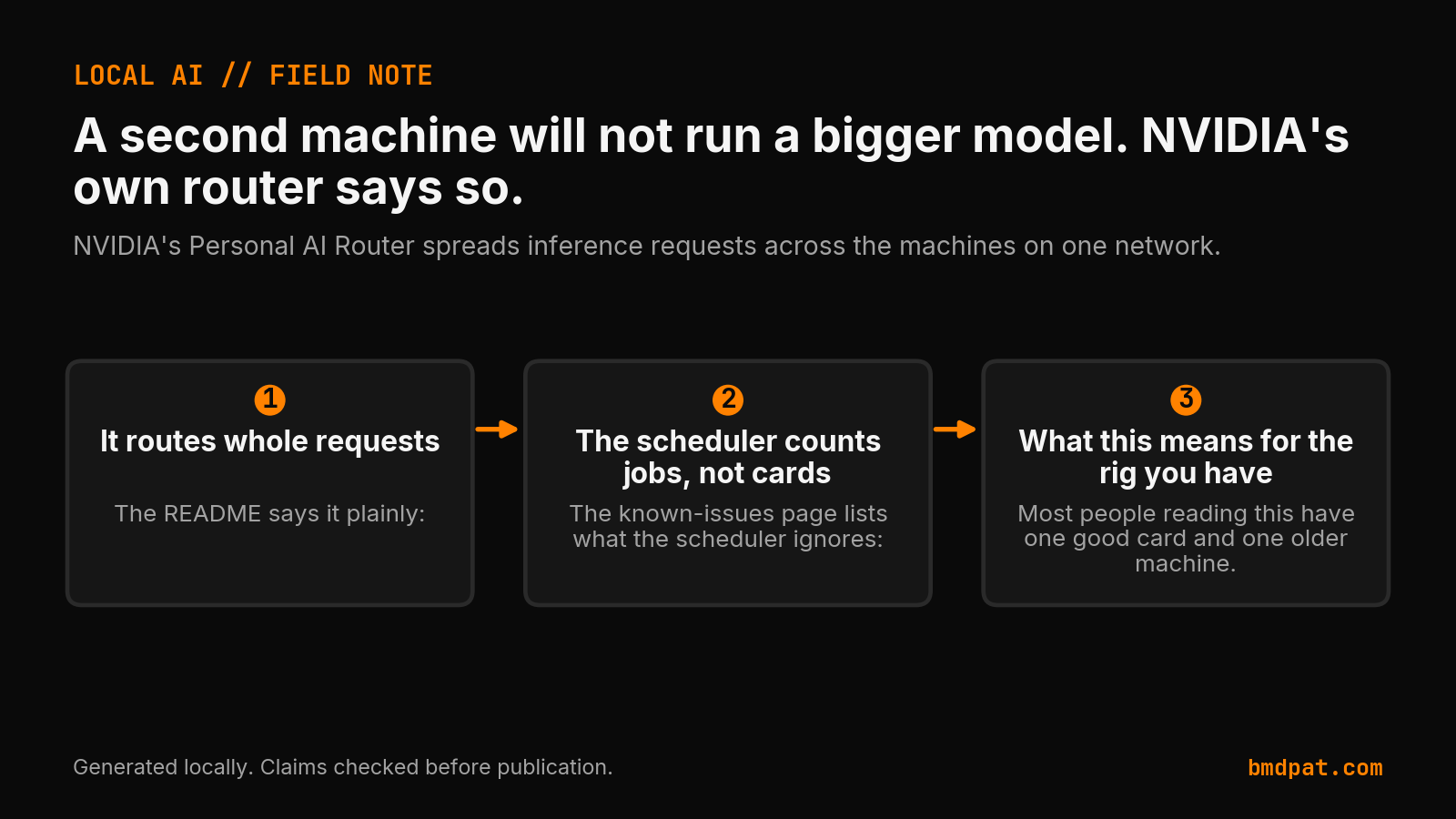
It routes whole requests
The README says it plainly:
"PAIR routes each independent request to one node. It does not pool GPU memory, combine GPUs into a larger logical GPU, shard one model across machines, or split an in-flight inference request between nodes."
Read that list slowly. No pooled memory. No bigger logical GPU. No model split across boxes. No request split while it runs. One request goes to one machine and finishes there.
The overview doc adds the other half:
"Nodes do not share models, so a node can serve a request only for a model it already holds."
Each machine loads its own copy. The model has to fit on the card that answers. So your ceiling is the ceiling of your best single card, before PAIR and after it.
That is the assumption I expect most readers to bring here. Two boxes, more VRAM in total, a bigger model. This software does not do that. It sends whole requests to machines that can already serve them.
The scheduler counts jobs, not cards
The known-issues page lists what the scheduler ignores:
"It does not consider GPU model, available memory, current utilization, measured latency, whether a model is already loaded, or how expensive a request looks."
The same page says why:
"Routing does not consider VRAM at all, because the scheduler counts workloads."
So the ranking input is queued job count. Not the card. Not free memory. Not how busy the card is right now. Not how long the last request took.
On a rig where every machine is the same, counting jobs is a reasonable rule. On a rig where one card is strong and one is old, it is not. NVIDIA writes the outcome down:
"On a mixed one, expect work to land on a slower node about as often as a faster one."
That is the vendor saying it, in the vendor's own docs. It is the clearest sentence in the project and it is on the known-issues page, which is the page nobody opens.
What this means for the rig you have
Most people reading this have one good card and one older machine. That is the case the quote above describes.
Add the second machine and you do not get a bigger model. You get a second place to send a request, as long as that machine already holds the model. If it cannot hold the model, it is not a place you can send that work at all.
Then the scheduler adds its own problem. It does not know which of your two machines is fast. It counts queued jobs and picks. So one prompt comes back quickly and the next one crawls, and nothing in the software is trying to fix that.
The gain is real but narrow. If several requests hit you at the same time, and both machines hold the model, they run side by side instead of in a line. One person typing at one keyboard sends one request at a time. That person gains very little.
What to do before you install anything
- Work out the largest model your best card holds on its own. That is your ceiling with or without a router. The sizing desk does that part.
- Check whether the second machine holds the same model. The docs say a node serves only a model it already holds, and the scheduler does not read whether a model is loaded. Load the same model on every machine you want in the pool.
- Count how many requests you actually send at once. If the answer is one, routing gives you almost nothing.
- If your two cards are far apart in speed, plan for the slow answer. NVIDIA already told you to expect it about as often as the fast one.
What I did not measure
I have not installed PAIR on anything. This post reports NVIDIA's own documentation, not my testing. Every quotation above comes from the project's LICENSE, its README, its overview doc, and its known-issues page. There is no timing here, no tokens per second, and no VRAM reading, because I ran no test.
My own two machines are the mixed case in the quote. One holds a strong card. The other is years older and already runs measurement work all week. A scheduler that counts jobs would send real work to that older machine and pollute a run I care about. So I am not installing it there, and I have nothing measured to say about it yet.
I also want to be fair to the project. It is version 0.1.1 and it says beta on the page. A beta that documents its own worst behaviour on a page called known issues is doing better than most. The problem is not the software. The problem is the gap between what the docs say and what a reader with two machines assumes.
If you run two machines at home, what did you expect the second one to buy you?
Related reading
Accompanying prompt
What the prompt does: It works out what a second machine actually buys you under a router that sends whole requests to one node, so you do not buy hardware for a ceiling it cannot raise.
Copy/paste this prompt:
Copy-ready prompt
Paste the exact block into your coding agent.
No article chrome, no footnotes, no formatting drift.
This prompt and every other one we publish live in the free prompt library.
Copy the block above.
Weekly measured local runs: https://bmdpat.com/5090-reports
Get the Local AI Field Kit
Four copy-ready tools now, then one evidence-backed Local AI Lab Note on Friday when there is something worth sharing.
Try the free agent run check firstGet the requested artifact now, then at most one evidence-backed Local AI Lab Note on Friday when there is something worth sharing. One-click unsubscribe. No sponsored placements. Privacy.
Written by
Patrick Hughes
I build BMD and publish measured AI runs, failure reports, and reusable checks. Nashville, Tennessee.
More writing
- 5 min
q4_k_m vs q8_0: which GGUF quant should you use?
Compare Q4_K_M and Q8_0 for Llama 3.1 8B. Learn how quantization affects file size, VRAM usage, perplexity, and generation speed on local hardware.
- 5 min
Is OpenClaw Worth It? Setup Costs and Risks
OpenClaw offers free self-hosted messaging agents under the MIT license, but model token fees, host security, and skill audits determine your real costs.
- 5 min
OpenClaw AI Assistant Latest News 2026
OpenClaw release v2026.10.4 repairs sleep restarts and Tlon permissions, following skill discovery, MCP Apps, and R2 backup updates in October 2026.
- 5 min
What Does Q4_K_M Mean? GGUF Quantization Decoded
Learn the exact meaning of Q4_K_M in llama.cpp, how its mixed tensor precisions work, and how to verify if it fits your consumer GPU VRAM budget.
- 5 min
Q6_K vs Q8_0: Which GGUF Preset Fits Your Setup?
Compare Q6_K and Q8_0 presets for llama.cpp. See real VRAM allocation, file sizes, and test steps to decide which GGUF quantization fits your card.